R, RStudio & GitHub
Dr. Ajay Kumar Koli \(\cdot\) 2nd SARA Bootcamp
Download R Programming Language

“R is a free software environment for statistical computing and graphics.”
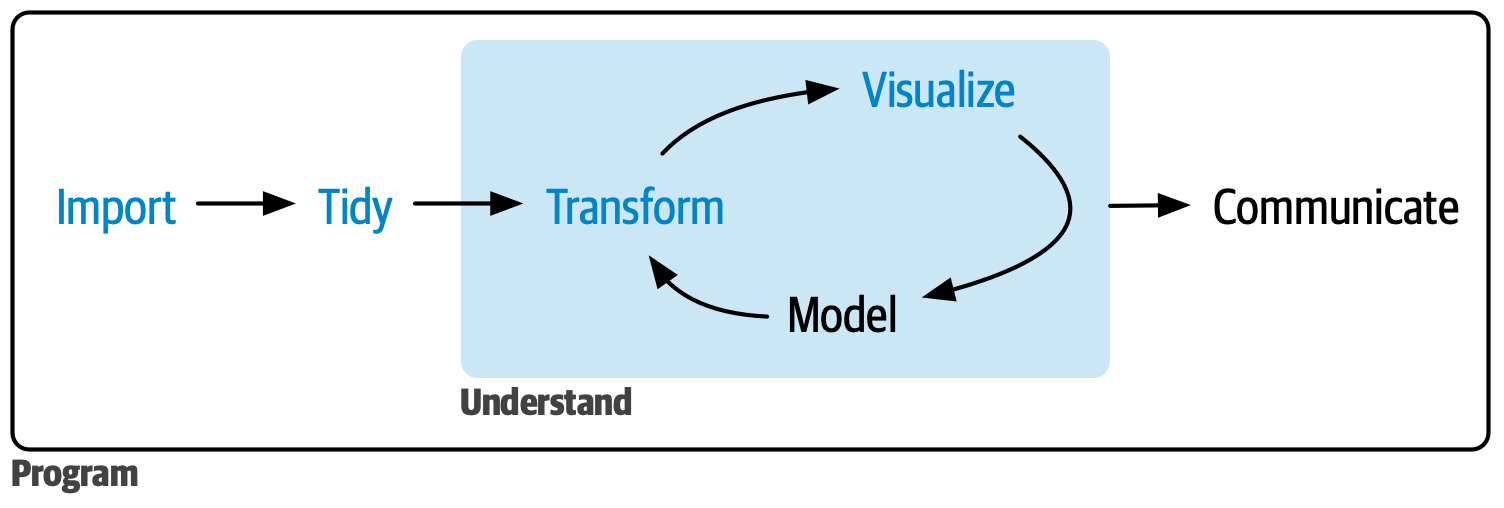
Data Science Project Flowchart
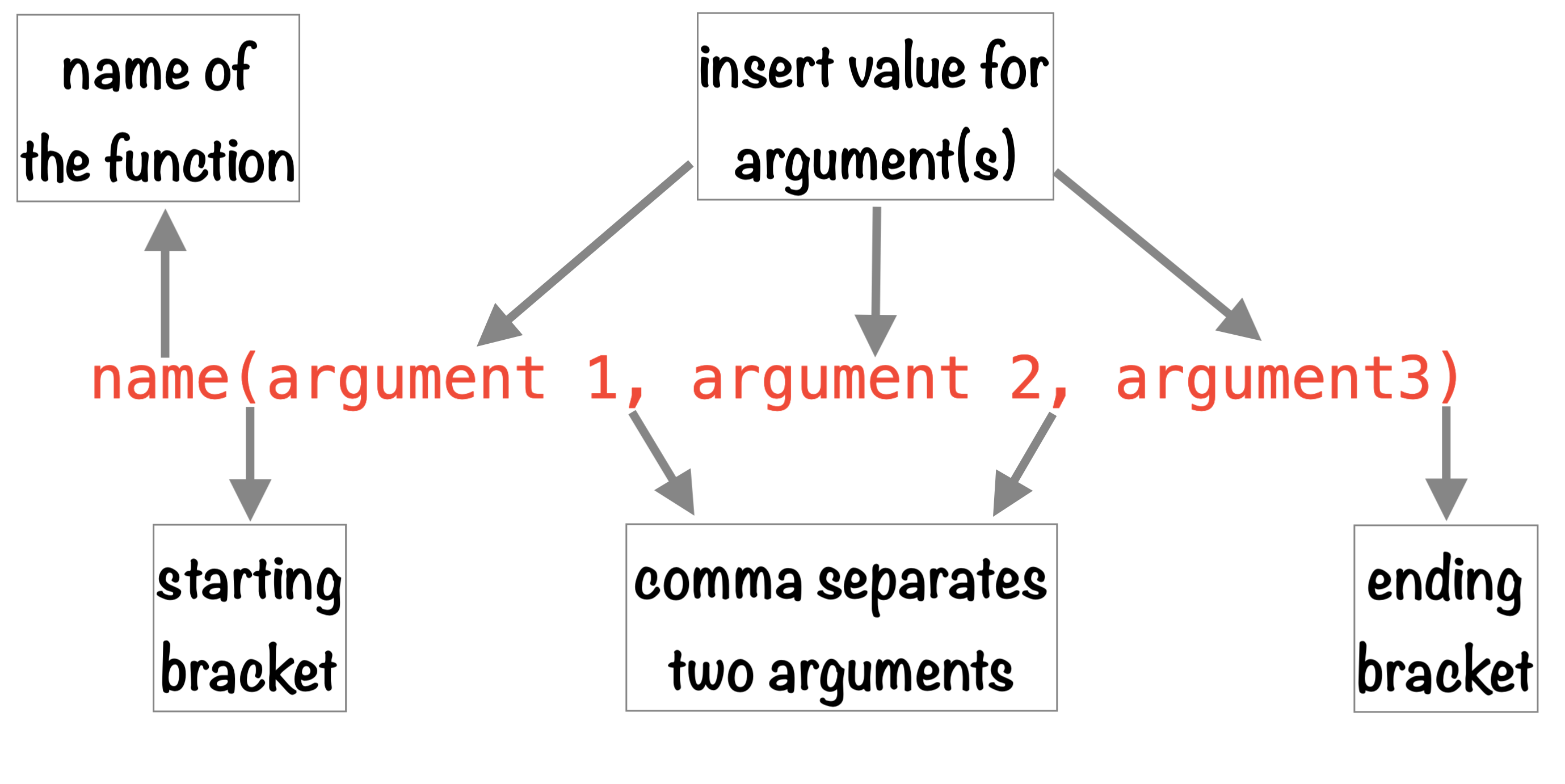
Structure of R Function
RStudio IDE

“The RStudio integrated development environment (IDE) is a set of tools built to help you be more productive with R and Python.”
R Packages
Package is “a collection of functions, data and documentation that extends the capabilties of base R.”

GitHub
“platform that allows developers to create, store, manage, and share their code.”
“It uses Git to provide distributed version control”

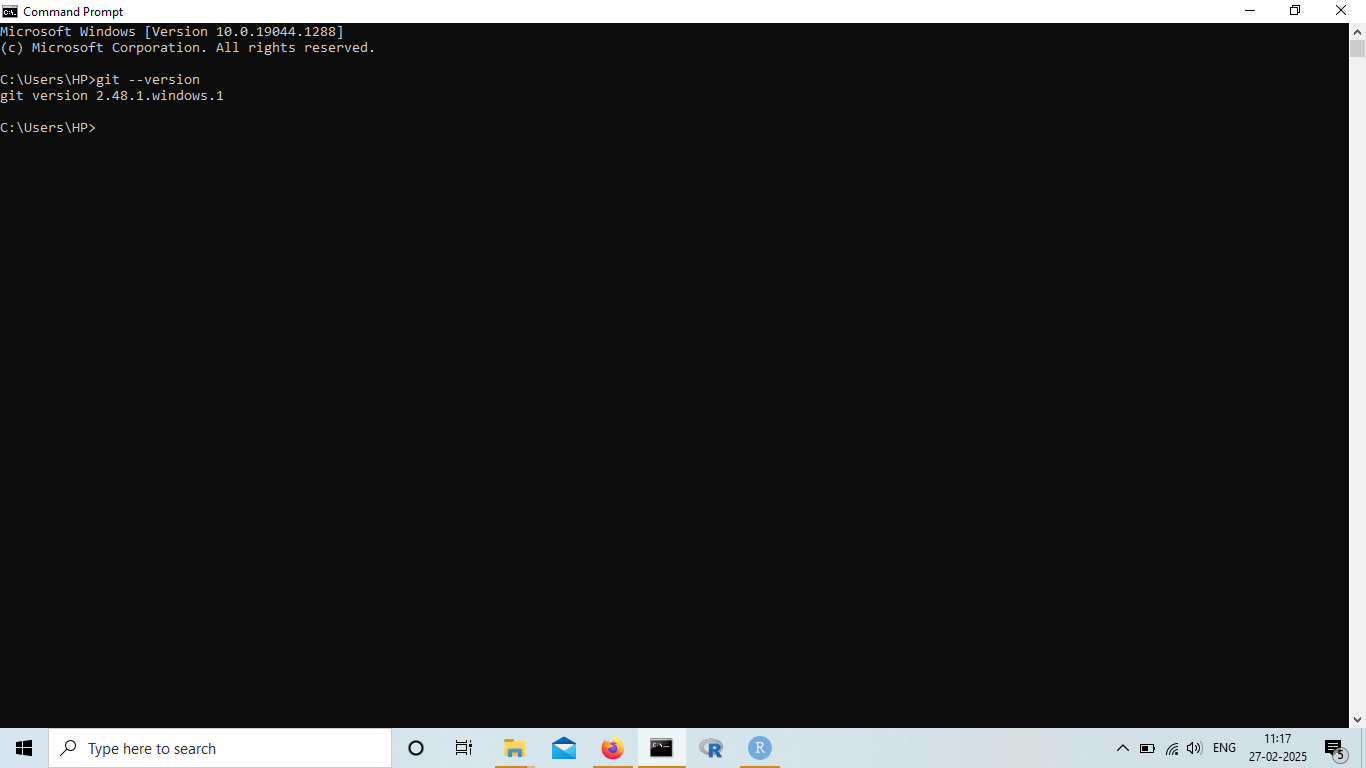
Install Git
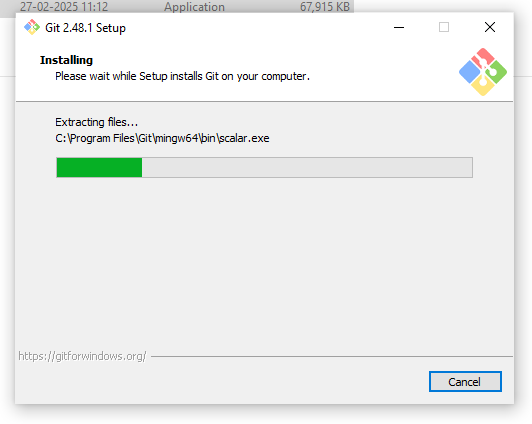
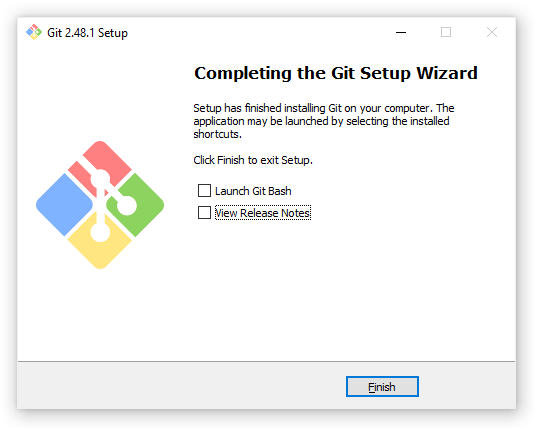
Open Terminal git --version
GitHub Users

GitHub Sign up
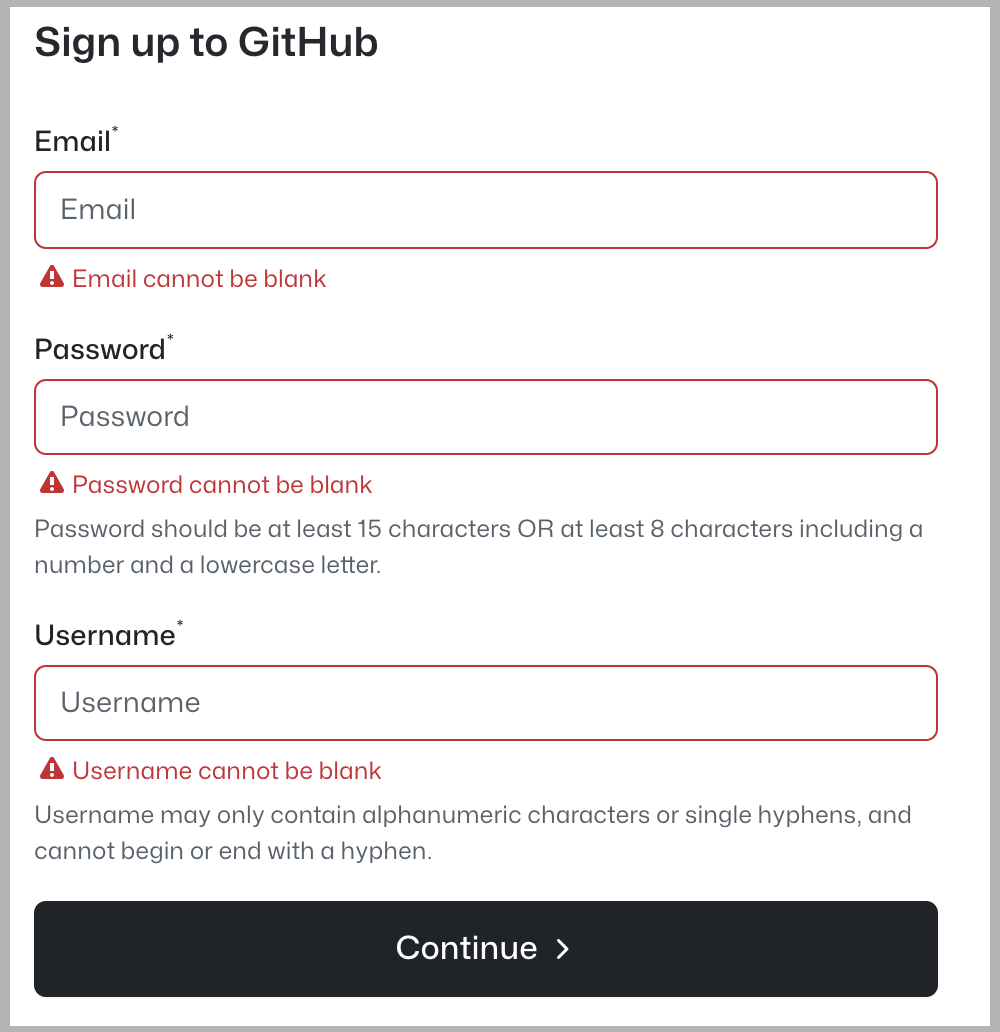
- Username advice
- all small cases
- use hyphen
-to separate the words - the shorter the better
- make it timeless (do not ajay-jnu, ajay-ny, ajay-microsoft)
- avoid special characters
- reuse from your social media
- comfortable to reveal to the world
GitHub Settings
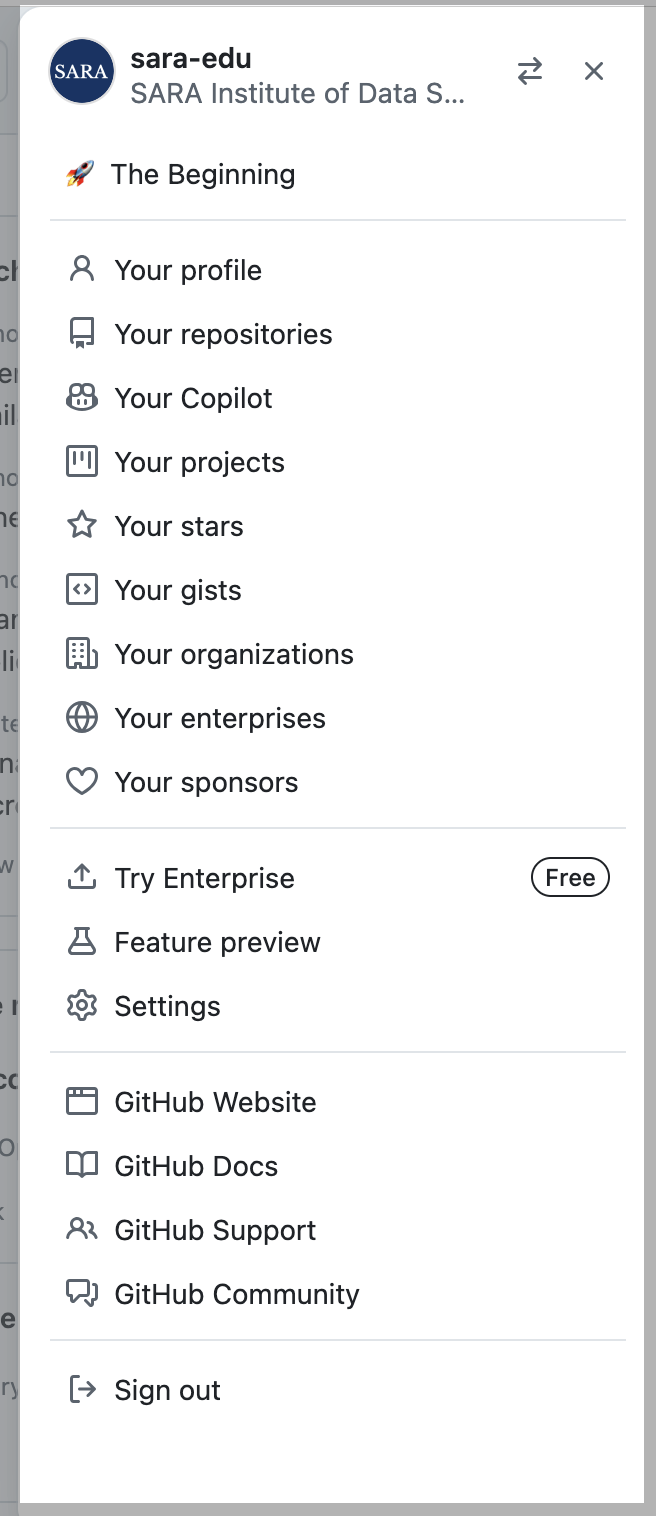
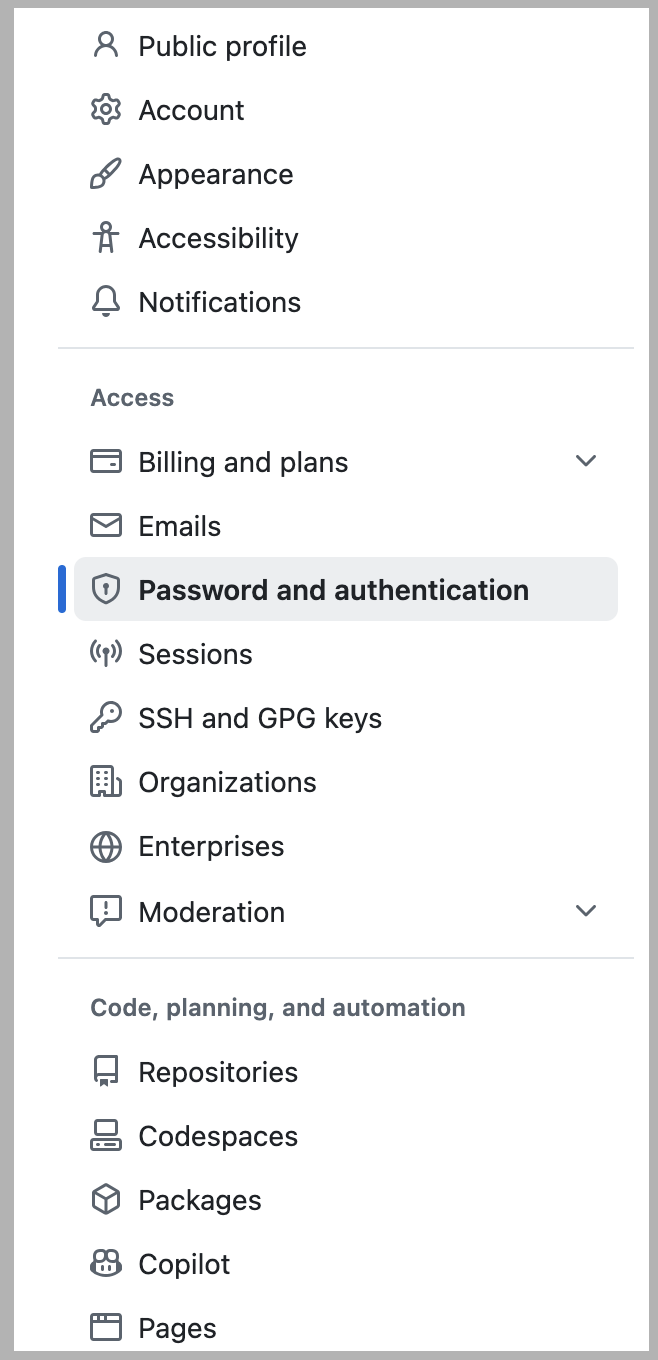
Enable Two Factor Authentication
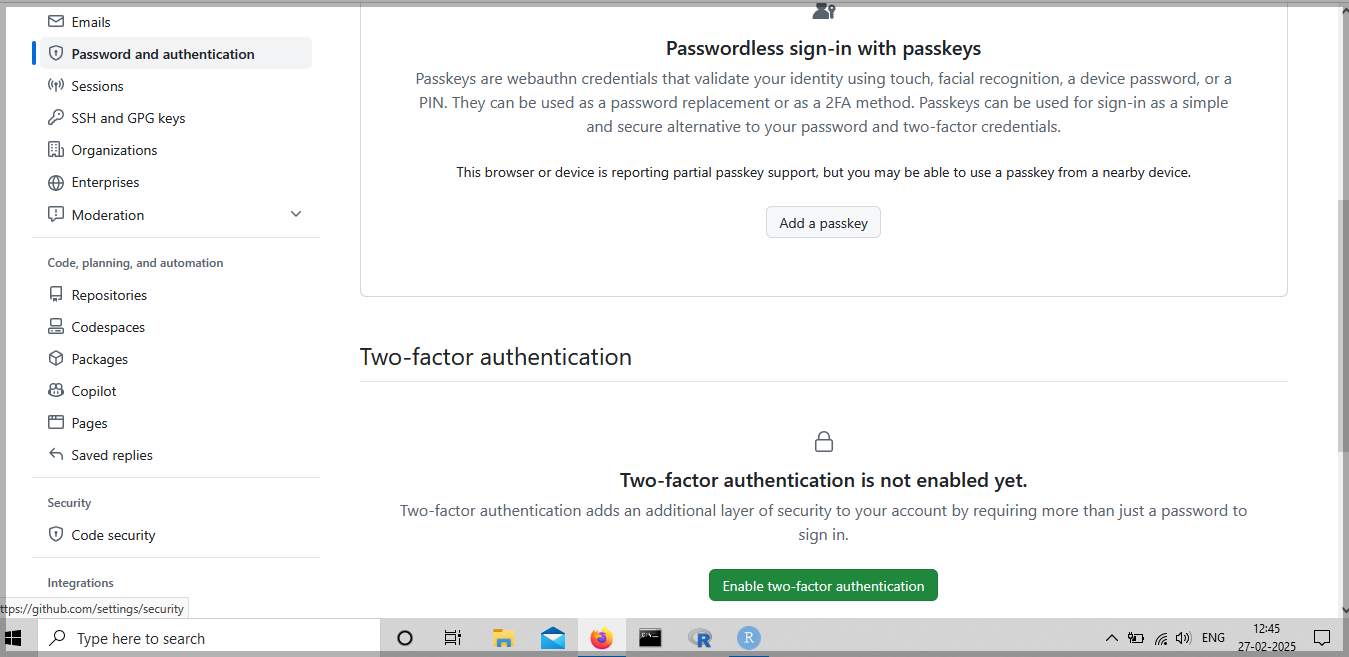
Enable Two Factor Authentication
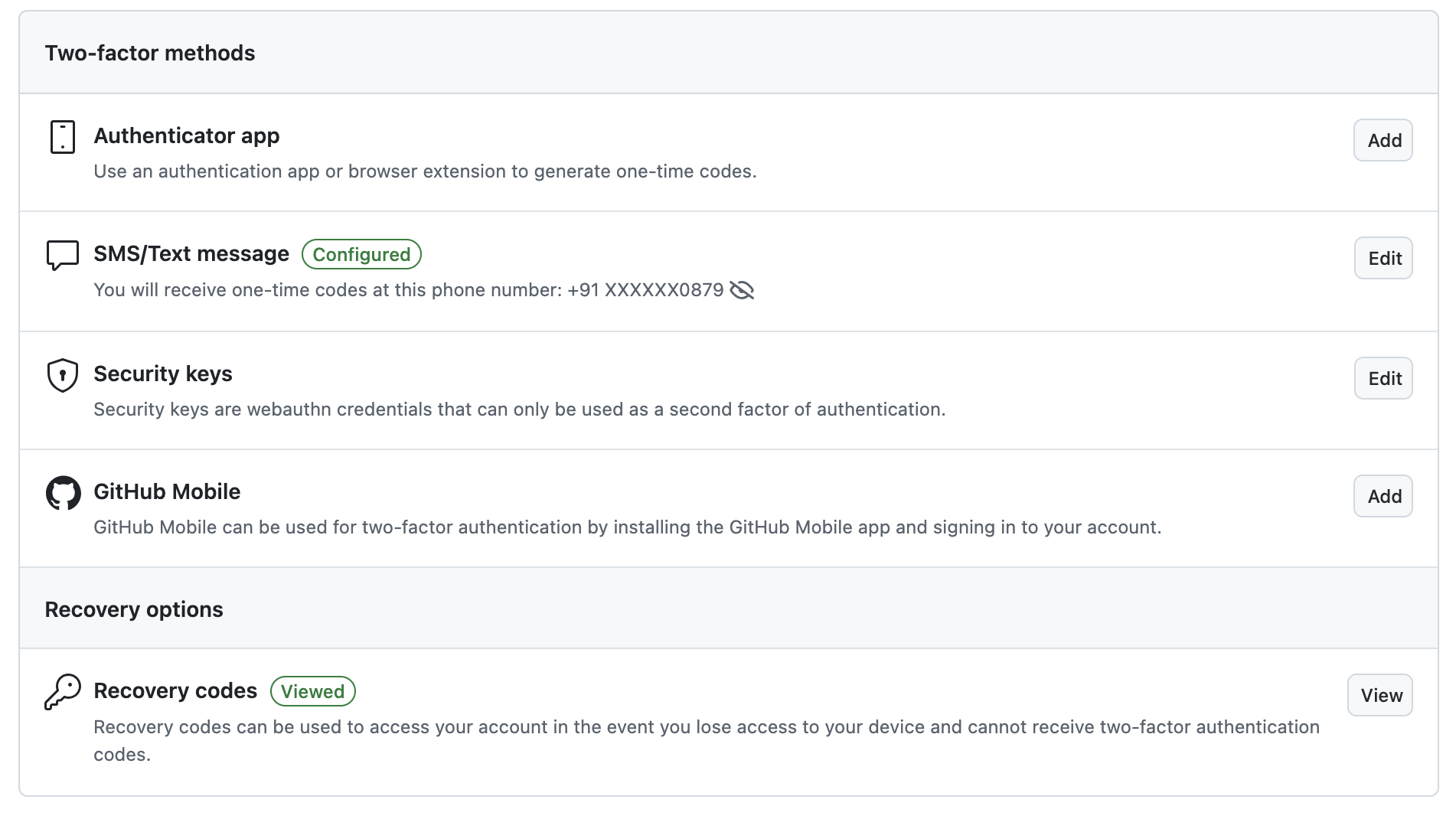
RStudio \(\rightarrow\) Tools \(\rightarrow\) Global Options \(\rightarrow\) Git/SVN
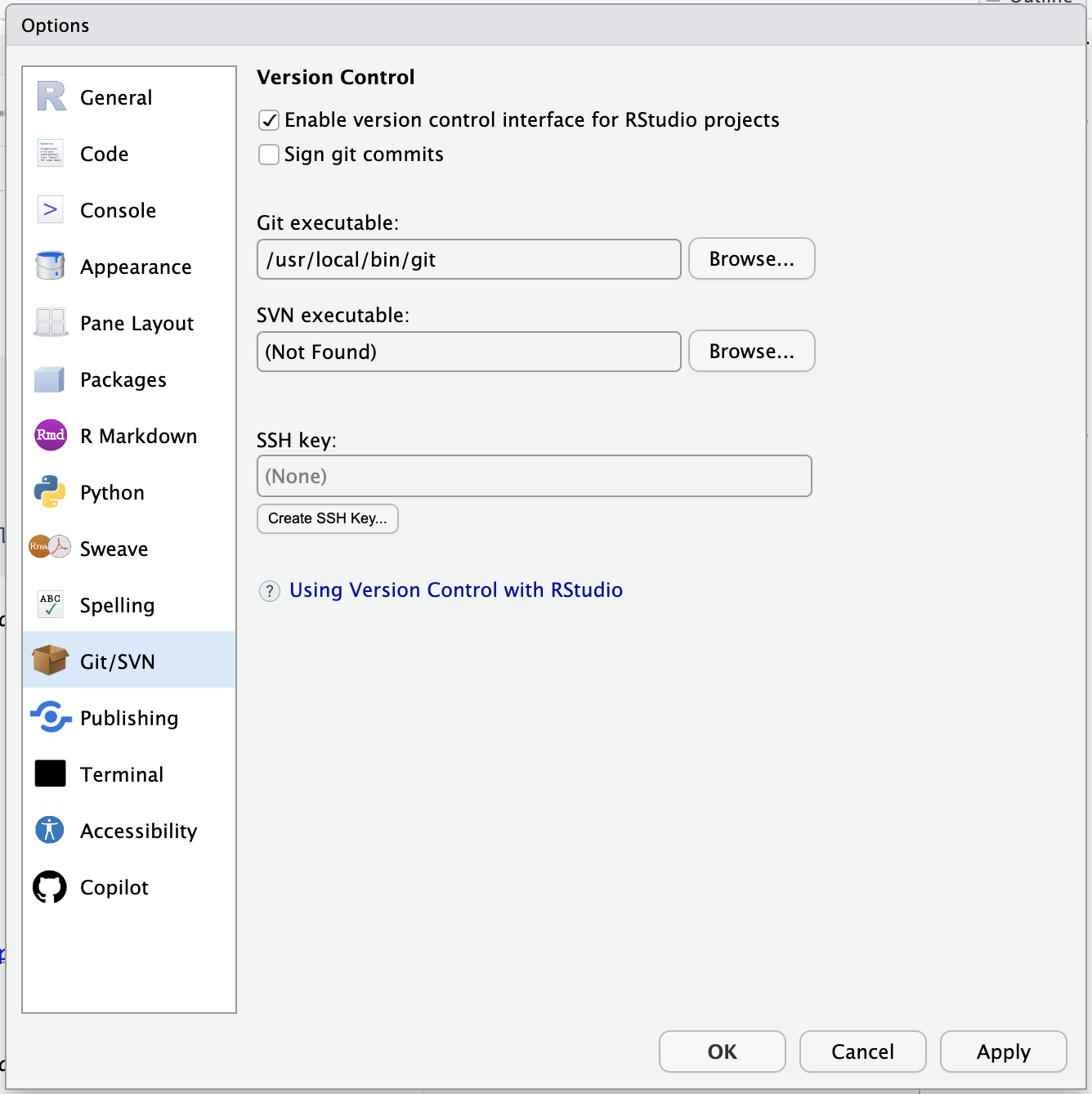
Create GitHub’s PAT in Console
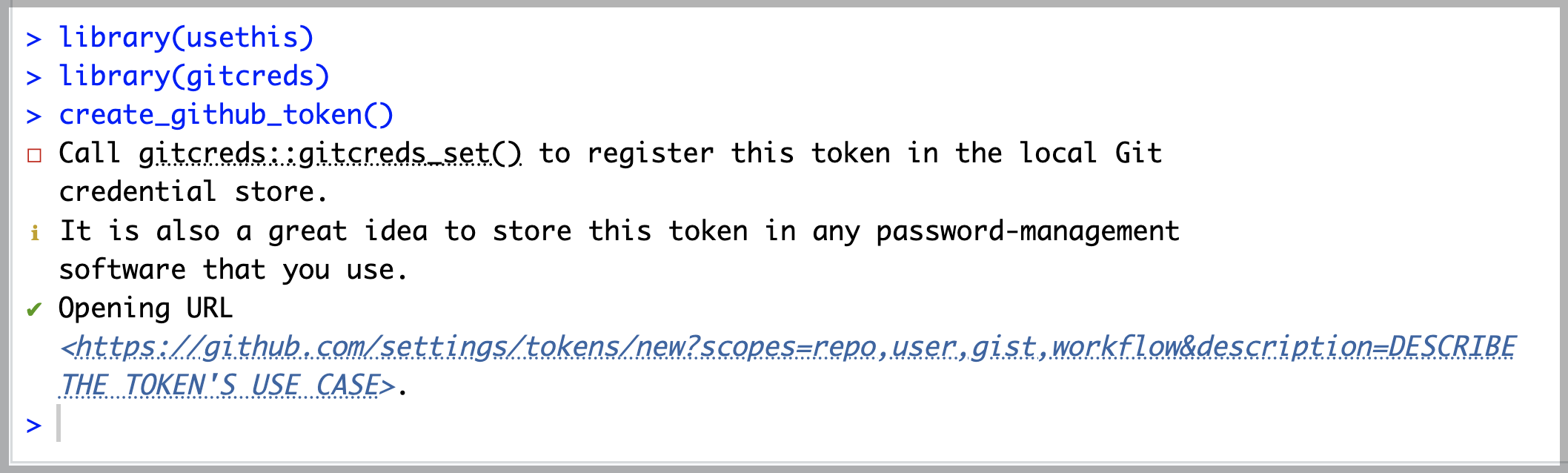
Personal Access Token (PAT)
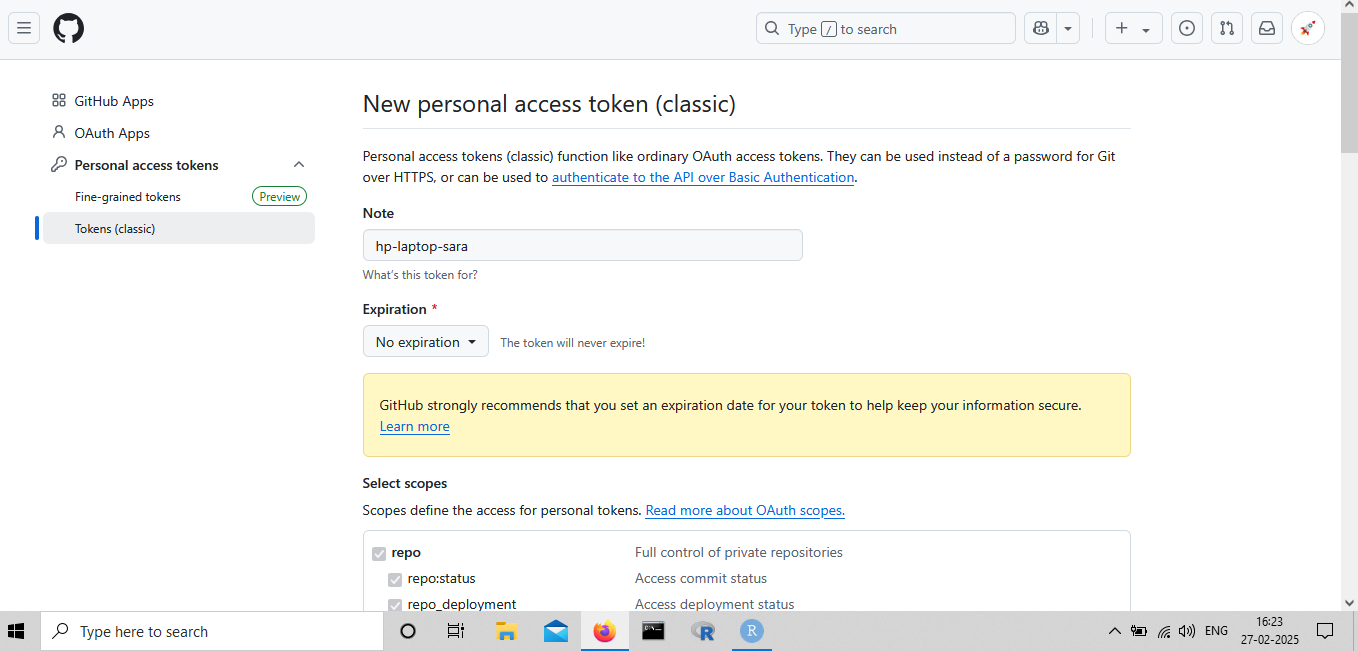
Personal Access Token (PAT)
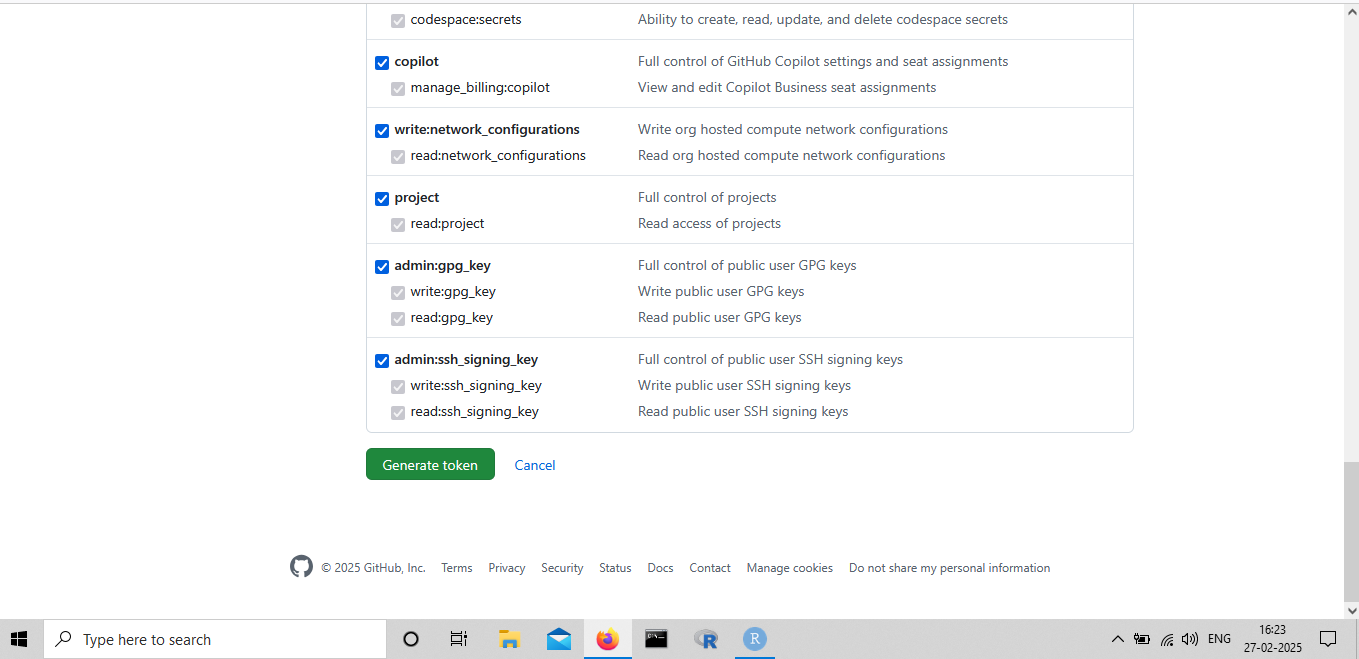
Add PAT
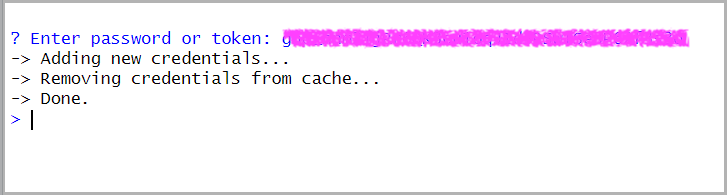
View GitHub Credentials
- To See Saved Credentials, Run in Terminal
git config --global --list