Dr. Ajay Kumar Koli \(\cdot\) 2nd SARA Bootcamp
Your digital presence already exists — you just don’t control it. Google your own name. Whatever comes up — a LinkedIn profile, an old social media post, someone else’s mention of you — that’s your reputation by default. A personal website lets you own that narrative instead of leaving it to algorithms and third-party platforms.
It’s a living portfolio that works while you sleep. Whether you’re a developer, designer, teacher, or accountant, a personal website signals seriousness. Recruiters, clients, and collaborators will look you up. A well-crafted site tells your story better than a resume ever could — and it’s available 24/7 without you having to say a word.
Social media platforms are rented land. Twitter, LinkedIn, Instagram — they change their rules, throttle your reach, or simply disappear. Remember MySpace? Vine? Your personal website is yours permanently. No algorithm decides who sees it. No platform can delete your account.
It forces you to think clearly about who you are. Writing an “About Me” page, listing your work, articulating what you believe — it’s unexpectedly clarifying. Most people never sit down and answer “what do I actually do and why does it matter?” A personal website makes you do that work.
The barrier is lower than ever. You don’t need to know how to code. Tools like Notion, Framer, or Squarespace mean you can have something live in an afternoon. The cost of not having one — missed opportunities, weak first impressions — far outweighs the effort.
It compounds over time. Every post you write, project you document, or idea you share builds a body of work. Five years from now, that archive is invaluable — to future employers, to your own growth, to people you haven’t met yet who will find you through a search.
Reasons from Claude AI
Image source: https://www.avonture.be/blog/quarto-revealjs-tips/
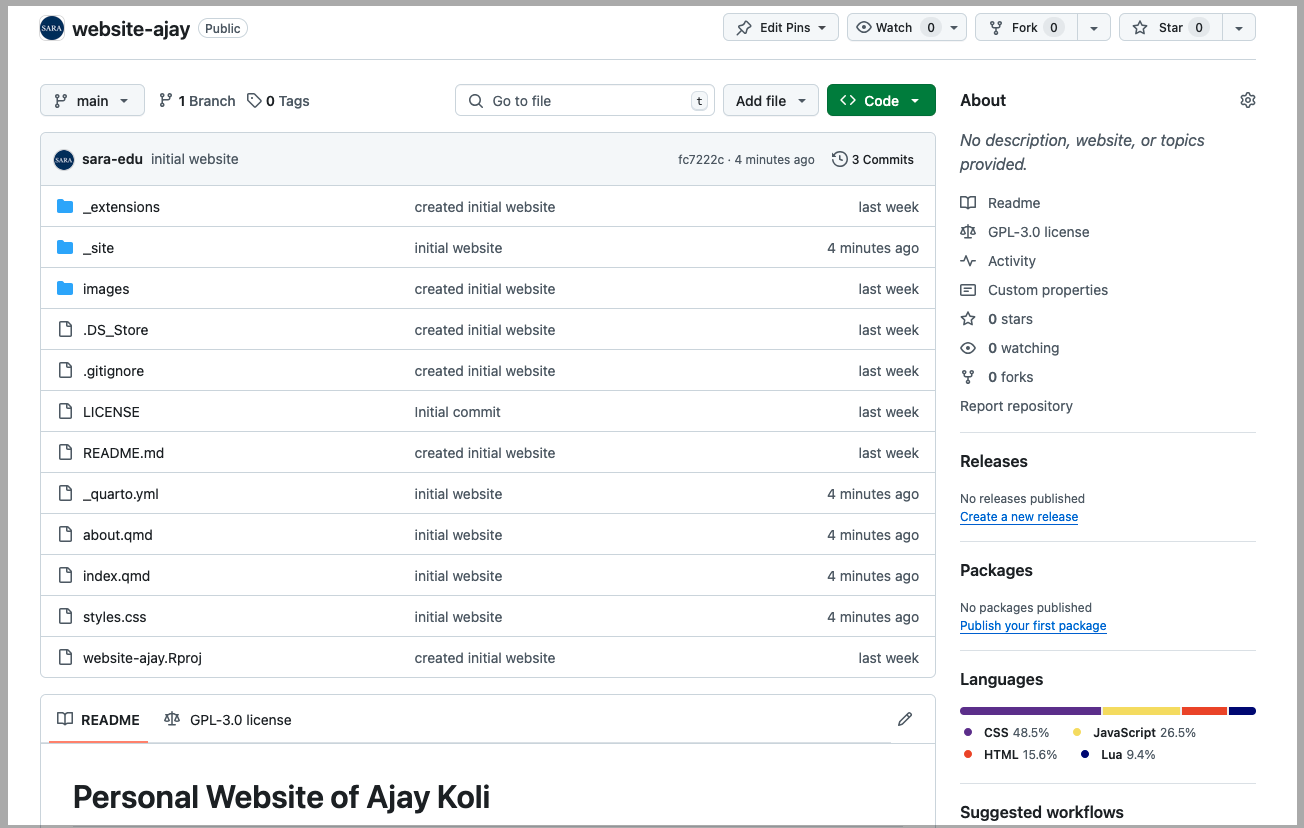
_quarto.yml is a Configuration file for your website.
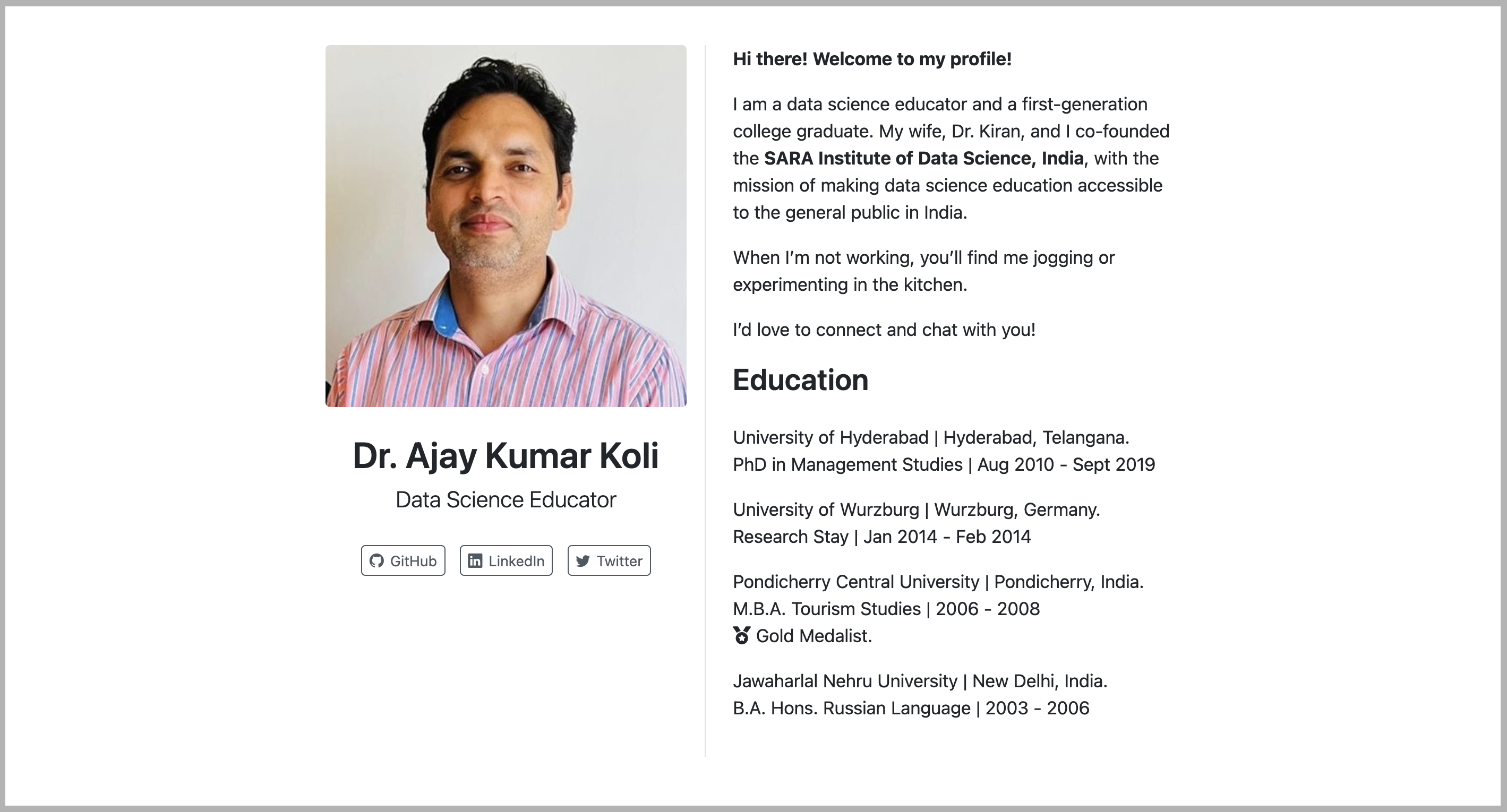
index.qmd creates the homepage of your website.
about.qmd ia an example about page.
styles.css is styling your website using customs CSS.
_quarto.yml File_quarto.ymlCaution
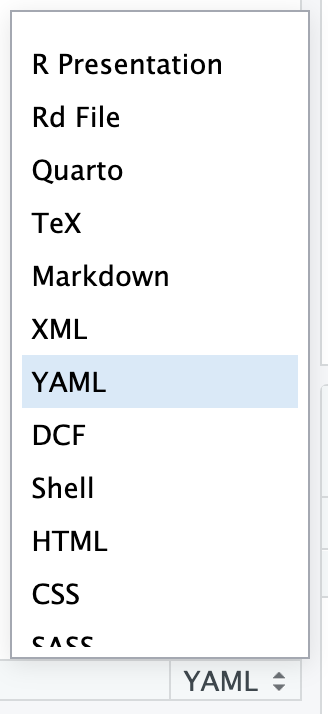
The file extension is .yml and the selected extension was YAML.
Refresh the RStudio Project to see the Build option.
index.qmd---
title: "Dr. Ajay Kumar Koli"
subtitle: "Data Science Educator <br>Co-founder of SARA"
image: images/ajay.jpeg
about:
template: trestles
links:
- icon: github
text: GitHub
href: https://github.com/sara-institute
- icon: linkedin
text: LinkedIn
href: https://www.linkedin.com/in/ajay-kumar-koli/
- icon: twitter
text: Twitter
href: https://www.linkedin.com/in/ajay-kumar-koli/
---
Ajay Kumar is the Chief Data Scientist at Wengo Analytics.
When not innovating on data platforms, Finley enjoys spending time
unicycling and playing with her pet iguana.
## Education
University of California, San Diego | San Diego, CA
PhD in Mathematics | Sept 2011 - June 2015
Macalester College | St. Paul, MN
B.A in Economics | Sept 2007 - June 2011
## Experience
Wengo Analytics | Head Data Scientist | April 2018 - present
GeoScynce | Chief Analyst | Spet 2012 - April 2018
index.qmdMore information here https://quarto.org/docs/websites/website-about.html#templates
_quarto.ymlproject:
type: website
website:
title: "Dr. Ajay Kumar Koli"
navbar:
left:
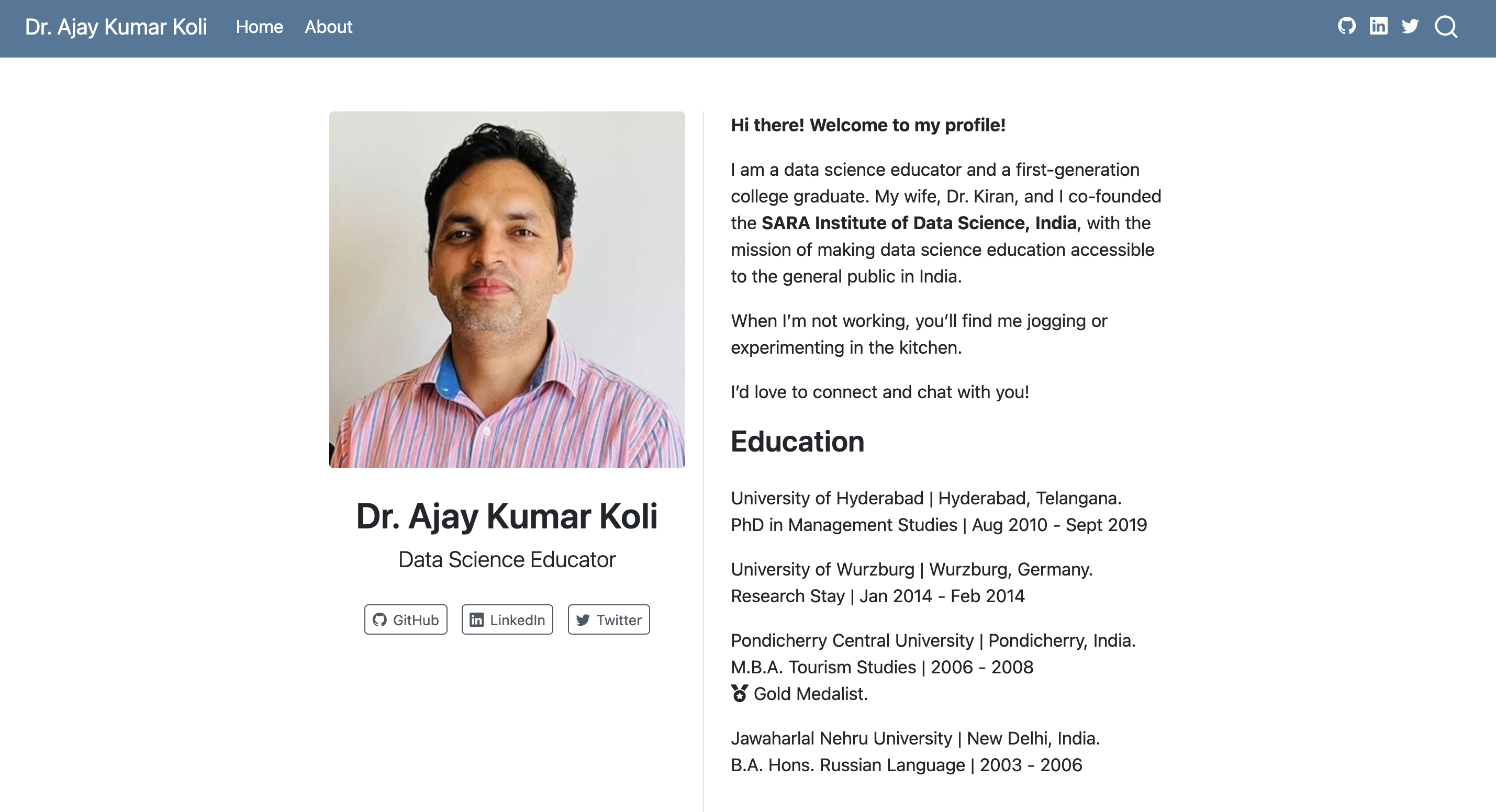
- text: "Home"
href: index.qmd
- text: "About"
href: about.qmd
tools:
- icon: github
href: https://github.com/koliajaykr
- icon: linkedin
href: https://www.linkedin.com/in/ajay-kumar-koli/
- icon: twitter
href: https://x.com/ajay_kolii
page-footer:
left: "Copyright 2021, Norah Jones"
right: "Made with Quarto & 💙"💡 Hints
Create a new file called about.qmd
Use href: to add it to the navbar in _quarto.yml
A clickable email link in Markdown looks like: [text](mailto:you@example.com)
about.qmd_quarto.yml_quarto.ymltheme: default # bootstrap 5 default
theme: cosmo # cosmo bootswatch theme
theme: pandoc # pandoc default html treatment
theme: none # no theme css added to documentMore about HTML themes https://quarto.org/docs/output-formats/html-themes.html
_quarto.yml“If you are using a Bootstrap theme or the Pandoc theme, there are a set of options you can provide in document metadata to customize its appearance.”
fontcolor: The main color for text on the site.
linkcolor: Color of the links.
backgroundcolor: Background color of the whole site.
monobackgroundcolor: Background color for code chunk.
Learn more about HTML colors https://www.canva.com/colors/
_quarto.yml_quarto.ymlformat:
html:
theme: cosmo
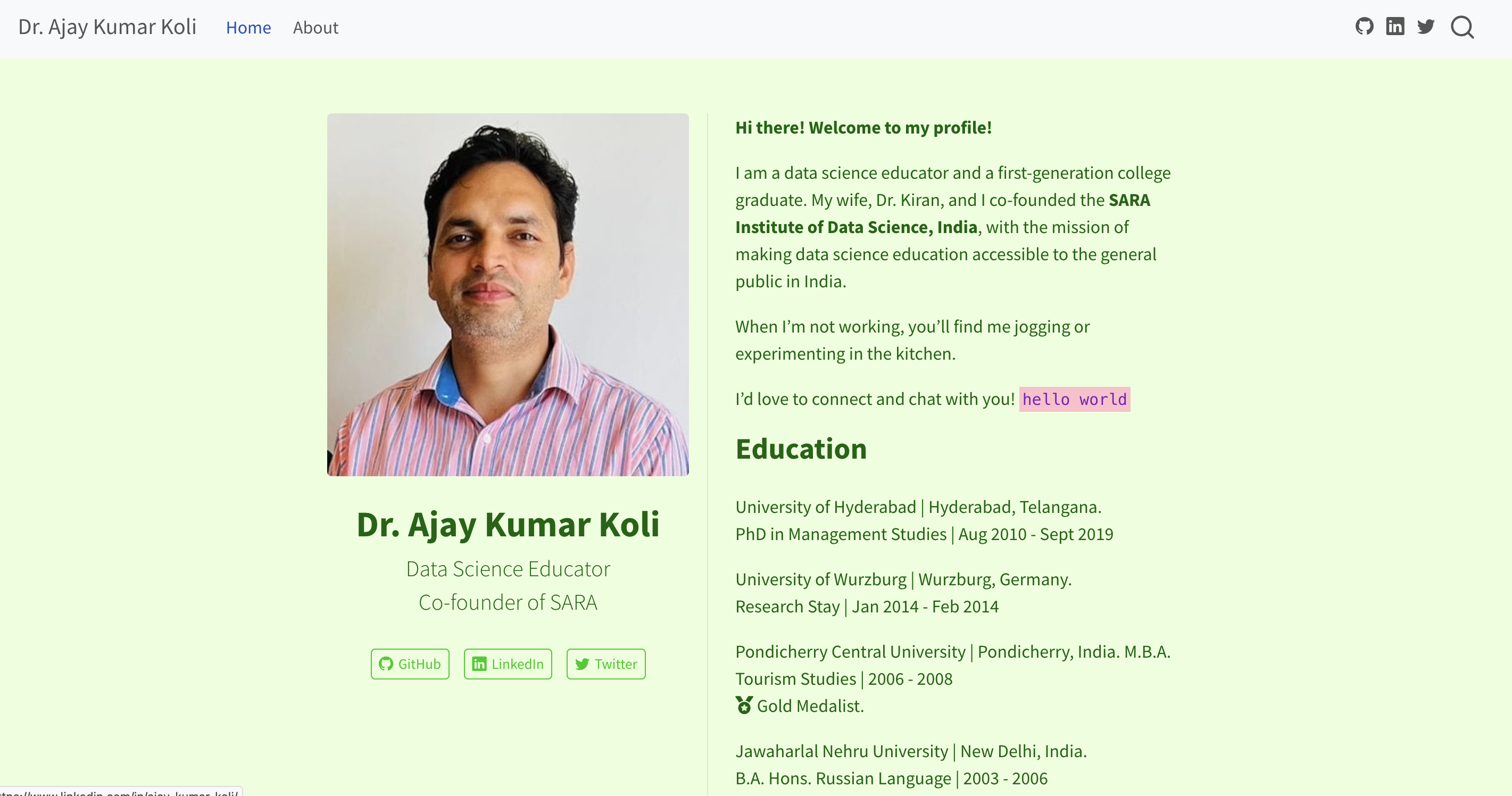
fontcolor: darkgreen
linkcolor: black
backgroundcolor: "#ECFFDC"
monobackgroundcolor: pink
mainfont: "monospace"mainfont - Sets the font-family property for the document. Also try sans-serif, serif, cursive or system-ui
Learn more about font-family https://developer.mozilla.org/en-US/docs/Web/CSS/Reference/Properties/font-family
Cascading Style Sheets (CSS) is a style sheet language.
CSS is used for specifying the presentation and styling of a document written in a markup language such as HTML
_quarto.ymlCodes for the CSS file
Also check out SCSS.
Learn more about CSS: https://www.w3schools.com/css/default.asp
Imagine a world where all websites are responsive
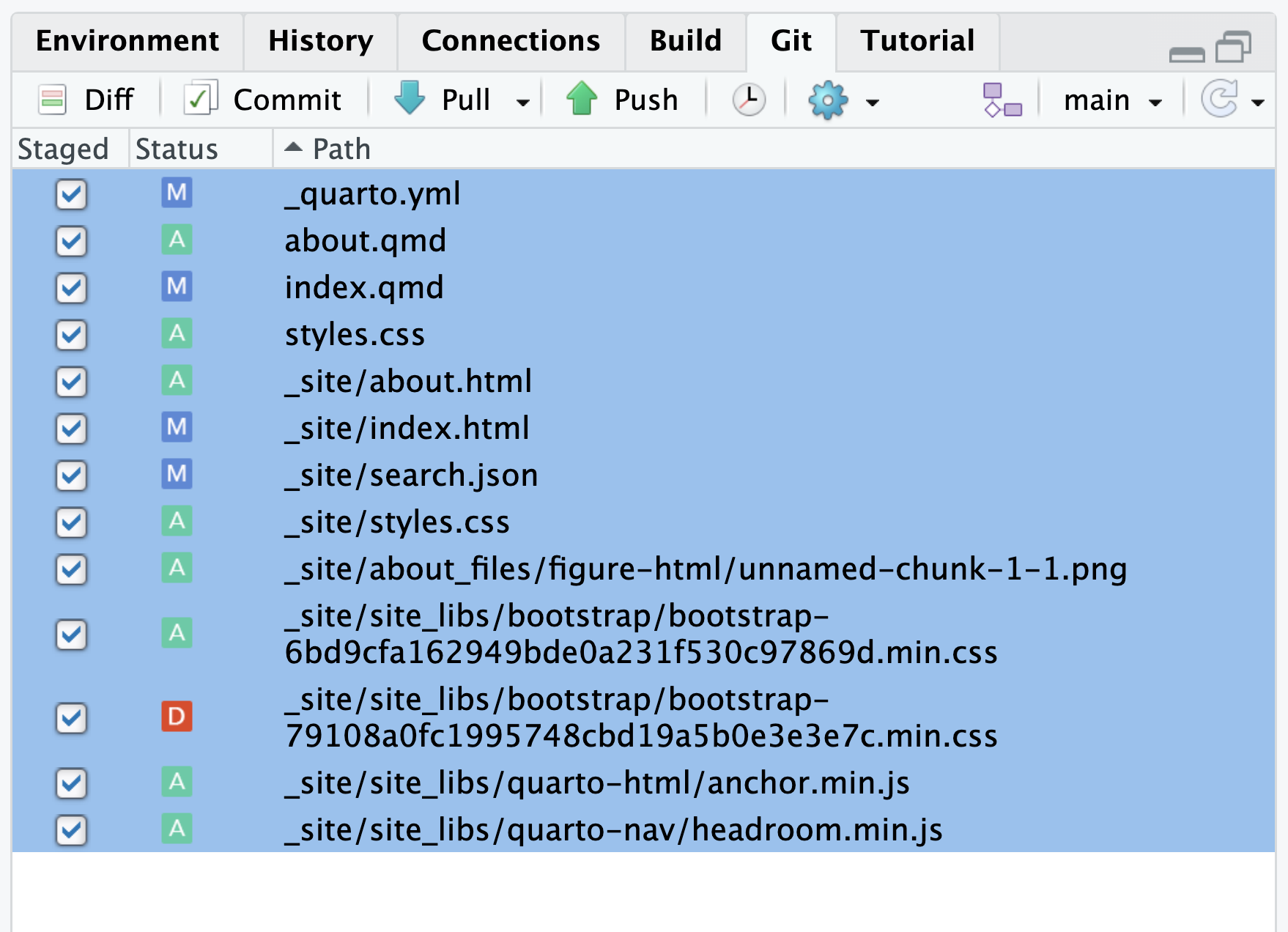
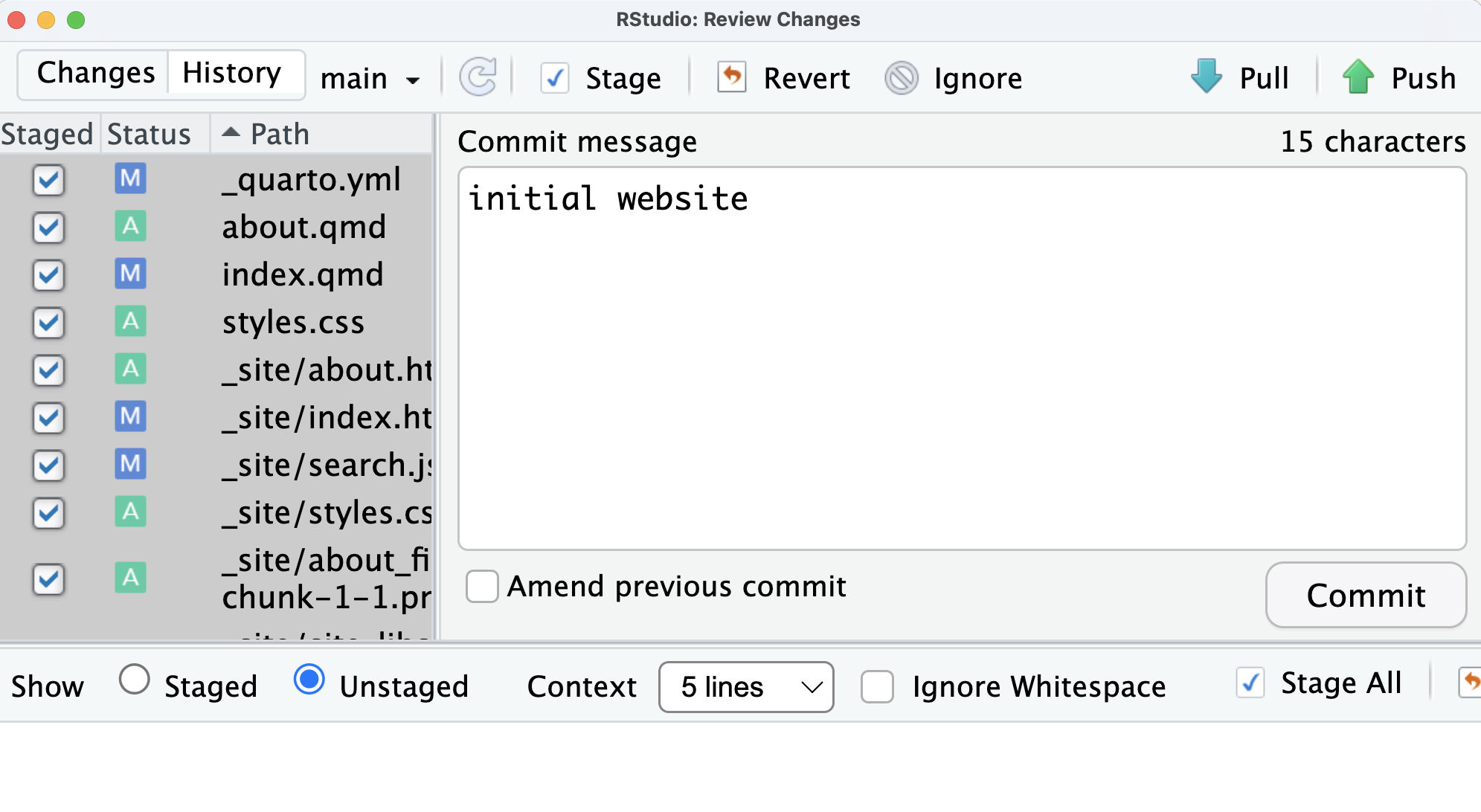
Tick First Box \(\rightarrow\) Ctrl + a \(\rightarrow\) Tick Second Box
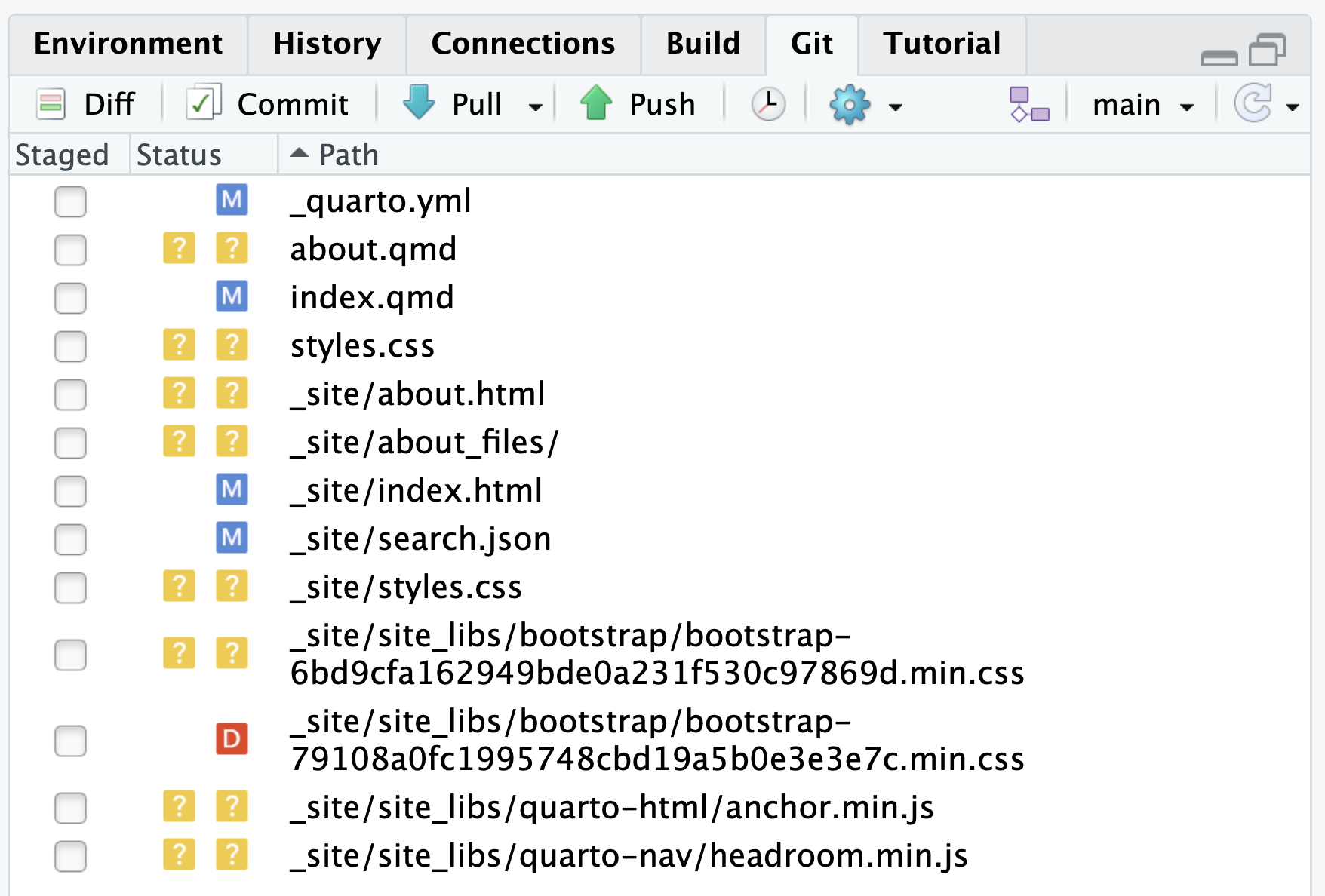
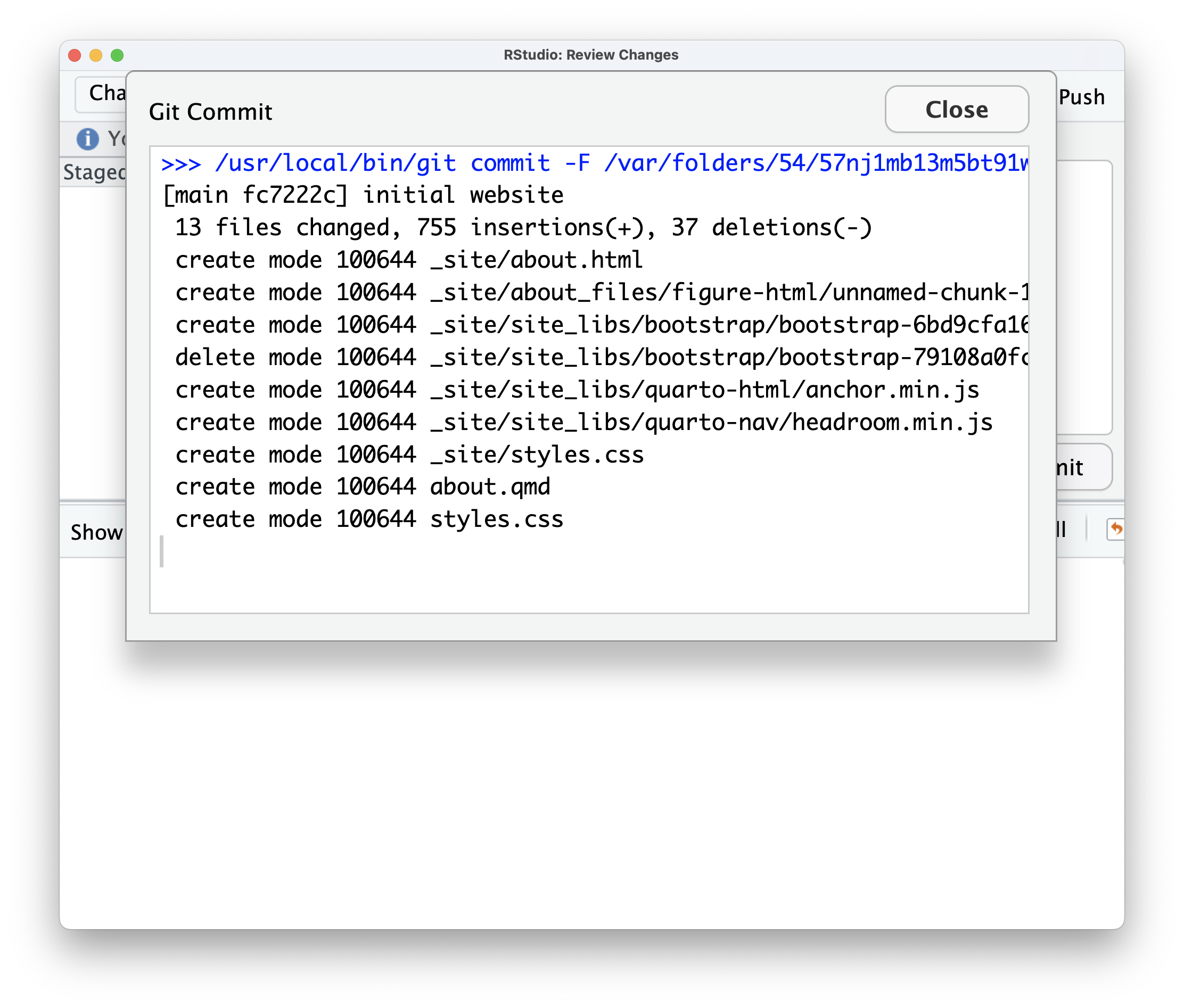
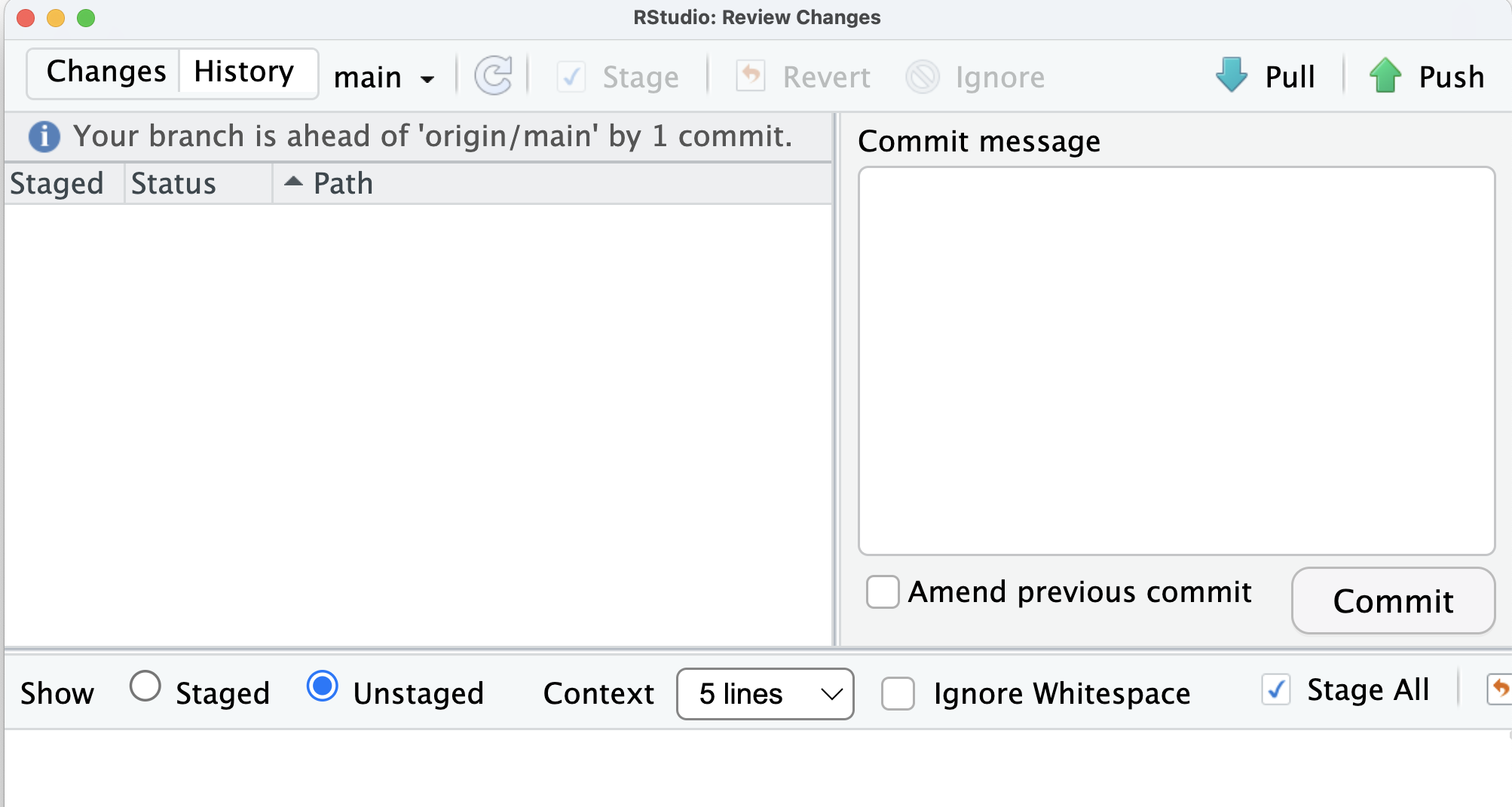
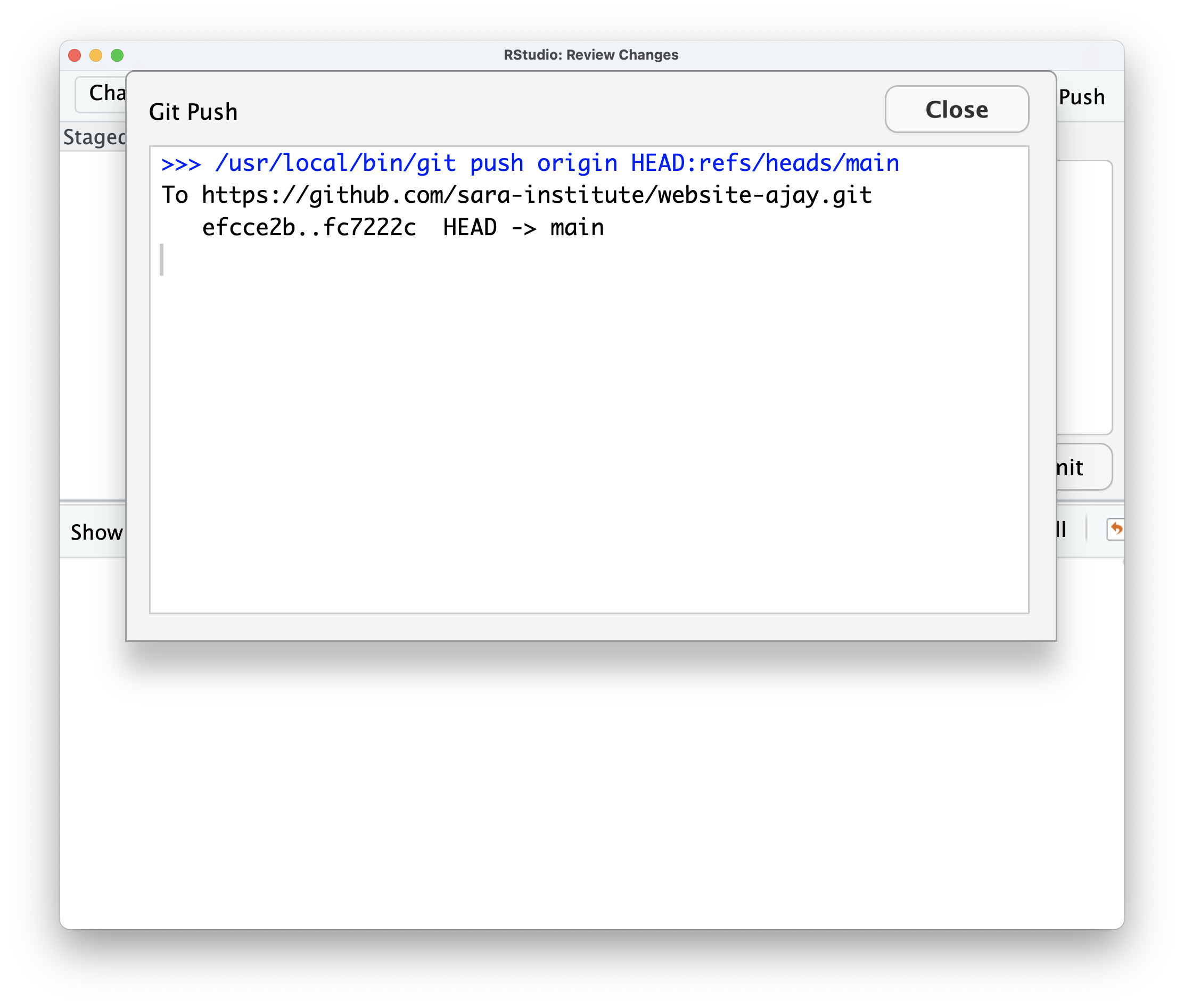
CommitCommitPushAdd New Site \(\rightarrow\) Import an Existing Project \(\rightarrow\) Choose GitHub
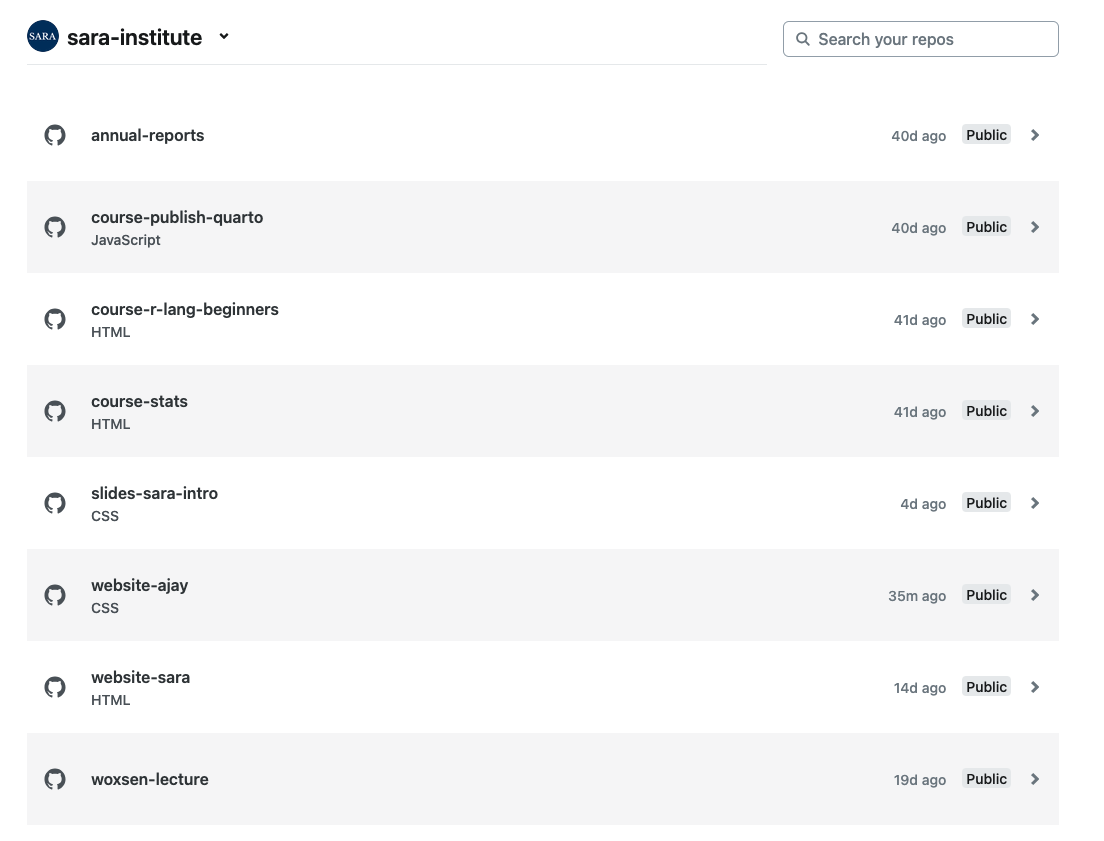
In Publish Directory box write _site
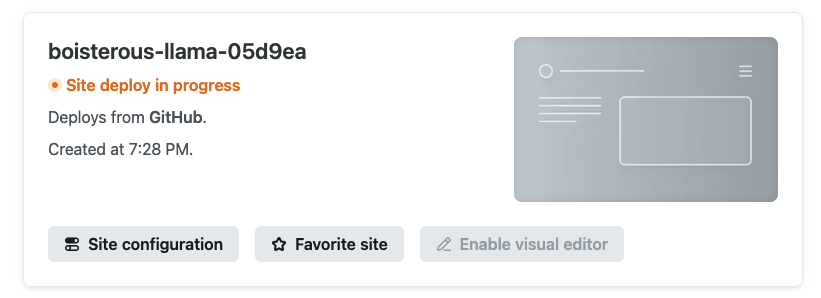
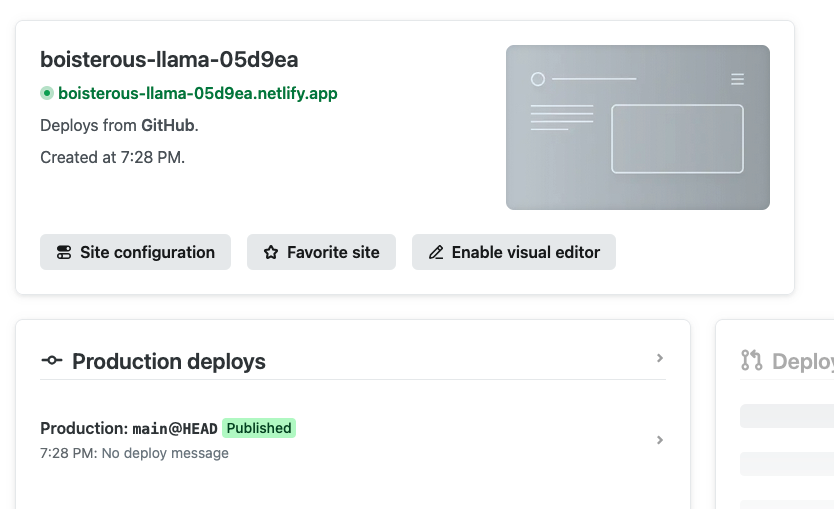
Deploy website-ajay \(\rightarrow\) Site deploy in progress